What is Utility-First CSS?
In traditional CSS, you usually write custom classes like this:
.card {
  padding: 20px;
  background: white;
  border-radius: 8px;
}
Then apply it in HTML:
<div class="card"></div> But Tailwind CSS takes a completely different approach.
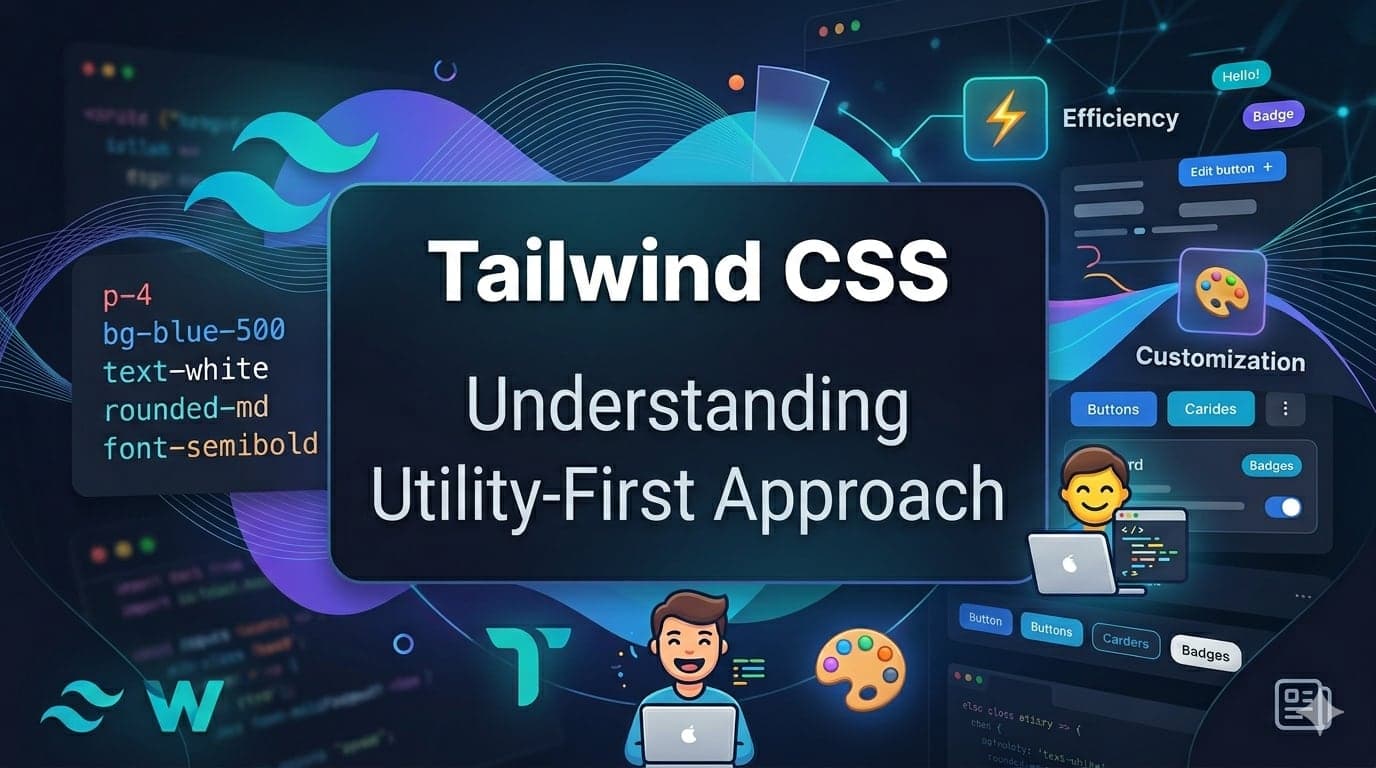
Instead of writing custom CSS, you directly use small utility classes in your HTML.
Example:
<div class="p-5 bg-white rounded-lg"></div> Each class does one specific job:
p-5 → padding
bg-white → background color
rounded-lg → border radius
This is called the utility-first approach.
Why Utility-First is Powerful
At first, it may look messy. But once you understand it, it becomes incredibly powerful.
Here’s why developers love it:
No need to switch between HTML and CSS files
Faster development speed
No naming conflicts (no more "card", "card2", "card-new")
Easy to maintain and scale
Built-in consistency in design
Real World Comparison
Think of Tailwind like LEGO blocks.
Instead of creating a custom piece every time (traditional CSS), you use pre-built blocks (utility classes) to quickly build anything.
This makes development faster and more flexible.
Example: Building a Card
Traditional CSS approach:
HTML:
<div class="card"></div> CSS:
.card {
  padding: 20px;
  background: white;
  border-radius: 10px;
  box-shadow: 0 5px 15px rgba(0,0,0,0.1);
}
Tailwind CSS approach:
<div class="p-5 bg-white rounded-lg shadow-md"></div> No separate CSS file needed.
Does This Make HTML Messy?
This is one of the most common concerns.
Yes, Tailwind adds more classes in HTML. But in return:
You write less overall code
You avoid context switching
Your styles are predictable
Refactoring becomes easier
And when projects grow, this actually improves productivity.
When Should You Use Tailwind?
Tailwind is perfect when:
You want to build UI quickly
You are working on modern web apps (React, Next.js, etc.)
You care about consistency and scalability
You don’t want to manage large CSS files
When It Might Not Be Ideal
Very small projects
Teams unfamiliar with utility-first CSS
Projects requiring strict semantic CSS structure
Key Takeaways
Tailwind uses small utility classes instead of custom CSS
It speeds up development significantly
It improves consistency across UI
It reduces CSS maintenance issues
What’s Next?
Next Part 3: https://www.moodsharenow.com/blog/how-to-install-tailwind-css-in-nextjs-step-by-step-setup-guide
👉 Stay tuned and follow the course to become a Tailwind pro.