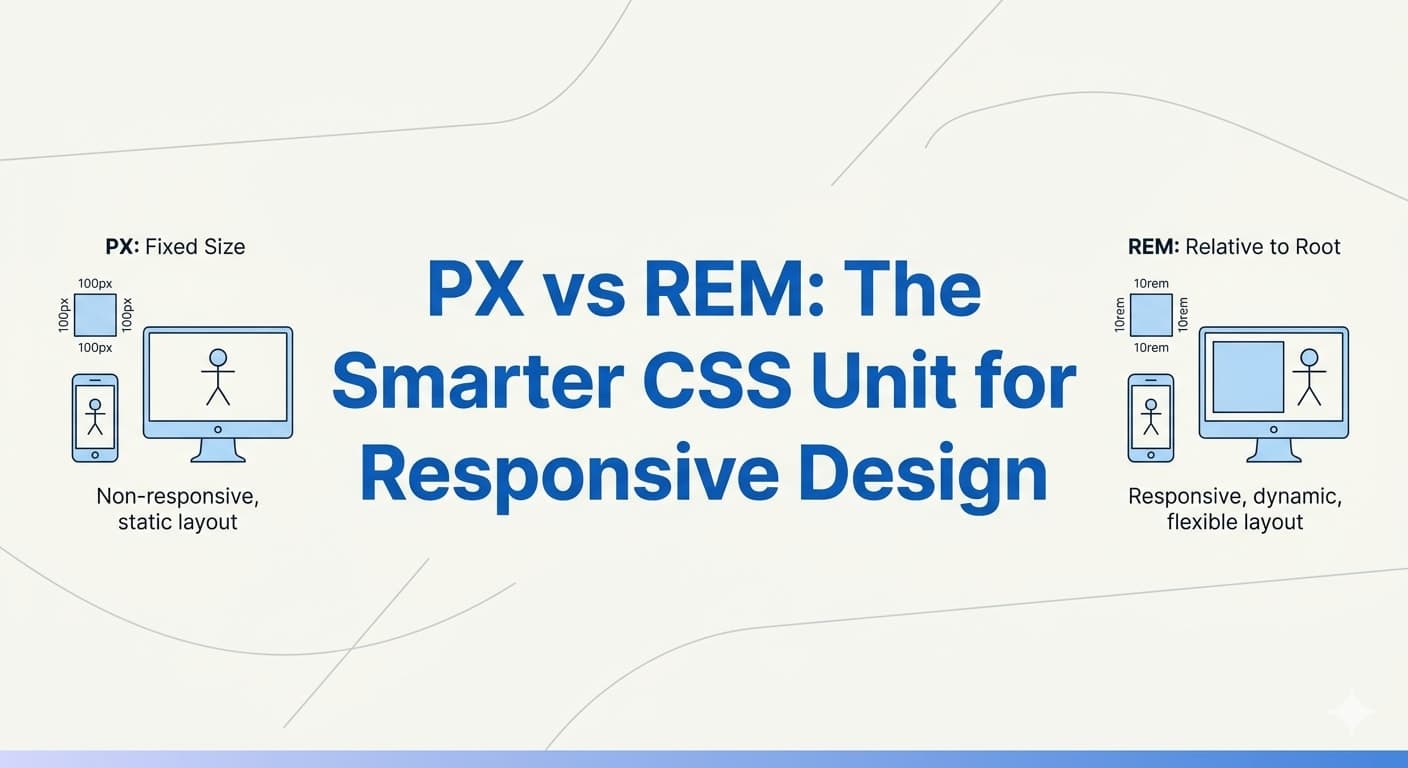
Modern web development is no longer just about making websites look good. Today, websites must also be responsive, scalable, accessible, and easy to maintain across different devices and screen sizes.
One of the most common discussions in CSS is:
Should you use
pxorrem?
If you are building modern interfaces using CSS, Tailwind CSS, React, or design systems, understanding the difference between px and rem is extremely important.
In this guide, you will learn:
What
pxandremareWhy
remis often better thanpxHow to convert
pxtoremReal-world examples
Accessibility benefits
Other CSS units and when to use them
What is PX in CSS?
px stands for pixel.
It is a fixed-size unit used to define dimensions such as:
Font sizes
Widths
Heights
Margins
Padding
Borders
Example:
.title {
  font-size: 24px;
}
In this example, the font size will always remain 24px regardless of the user's browser settings.
Need to convert your existing CSS project?
Use our PX to REM Converter Tool →
Advantages of PX
Using px has some benefits:
Easy to understand
Precise sizing
Consistent visual appearance
Good for borders and shadows
Example:
.card {
  border: 1px solid #ddd;
}
A 1px border is predictable and visually consistent.
Problems with PX
Although px is simple, it has several limitations in responsive web design.
1. Poor Accessibility
Users with visual impairments often increase browser font size settings.
Pixel-based layouts do not scale properly with user preferences.
Example:
body {
  font-size: 14px;
}
This may become difficult to read for some users.
2. Harder to Scale
Large projects become difficult to maintain when everything uses fixed pixel values.
Example:
h1 {
  font-size: 42px;
}

h2 {
  font-size: 36px;
}

p {
  font-size: 17px;
}
Changing global sizing later becomes time-consuming.
3. Less Responsive
Pixel units are rigid and do not adapt naturally to different screen sizes.
What is REM in CSS?
rem stands for:
Root EM
It is a relative unit based on the root HTML font size.
By default:
html {
  font-size: 16px;
}
So:
1rem = 16pxREM Conversion Formula
The formula is simple:
REM = PX / 16
Examples:
16px = 1rem
24px = 1.5rem
32px = 2rem
48px = 3rem
Need quick calculations? Try our free PX to REM Converter tool to instantly convert CSS pixel values into scalable REM units for responsive design.
Example of REM Usage
html {
  font-size: 16px;
}

.heading {
  font-size: 2rem;
}

.paragraph {
  font-size: 1rem;
}
This makes the layout scalable and easier to maintain.
Why REM is Better Than PX
1. Better Accessibility
REM units respect user browser settings.
If a user increases default font size from 16px to 20px:
1rem automatically becomes 20pxYour website becomes more accessible without extra work.
This is extremely important for:
Elderly users
Visually impaired users
Mobile users
2. Easier Global Scaling
With REM, changing one value updates the entire design system.
Example:
html {
  font-size: 18px;
}
Now all REM-based elements scale automatically.
3. Better Responsive Design
REM creates flexible layouts that adapt more naturally across devices.
Example:
.container {
  padding: 2rem;
}
Instead of fixed spacing, the layout scales proportionally.
4. Design System Friendly
Most modern design systems use REM because it keeps spacing and typography consistent.
Popular technologies using REM:
Tailwind CSS
Material UI
Bootstrap 5
Chakra UI
Real-World Example: PX vs REM
Using PX
.card-title {
  font-size: 32px;
  margin-bottom: 20px;
}
This remains fixed on all devices.
Using REM
.card-title {
  font-size: 2rem;
  margin-bottom: 1.25rem;
}
This scales with the root font size.
Recommended Approach in Modern Projects
Many frontend developers follow this strategy:
Font Sizes --- REM
Spacing --- REM
Widths --- % / REM
Heights --- Auto / REM
Borders --- PX
Shadows --- PX
Responsive Layouts --- %, Flexbox, Grid
Setting Up a REM-Based Design System
A common setup:
html {
  font-size: 62.5%;
}
Why?
Because:
62.5% of 16px = 10pxNow conversion becomes easier:
10px --- 1rem
20px --- 2rem
24px --- 2.4rem
Example:
.heading {
  font-size: 3.2rem;
}
This equals 32px.
Should You Completely Stop Using PX?
No.
PX is still useful in many situations.
Use PX for:
Borders
Thin shadows
Hairline elements
Icons requiring precision
Example:
border: 1px solid #ccc;Using 0.0625rem instead would be unnecessary.
Other CSS Units Explained
Modern CSS provides many units beyond px and rem.
Understanding them helps you build better layouts.
EM
em is relative to the parent element.
Example:
.parent {
  font-size: 20px;
}

.child {
  font-size: 2em;
}
Result:
2em = 40pxBest For
Component-based scaling
Buttons
Nested typography
Downside
Nested em values can become difficult to manage.
Percentage (%)
Relative to parent dimensions.
Example:
width: 50%;Best For
Responsive layouts
Containers
Fluid widths
VW and VH
Viewport-based units.
1vw= 1% of viewport width1vh= 1% of viewport height
Example:
.hero {
  height: 100vh;
}
Best For
Hero sections
Fullscreen layouts
Responsive typography
CH Unit
Based on character width.
Example:
width: 60ch;Best For
Readable text containers
Blog content width
Many blogs use 60ch–75ch for optimal readability.
FR Unit
Used in CSS Grid.
Example:
grid-template-columns: 1fr 1fr;Best For
Modern responsive grids
Equal-width layouts
Practical REM Conversion Examples
Typography
h1 {
  font-size: 3rem;
}

p {
  font-size: 1rem;
}
Spacing
.section {
  padding: 4rem 2rem;
}
Buttons
.button {
  padding: 1rem 2rem;
  border-radius: 0.5rem;
}
Tailwind CSS and REM
Tailwind CSS internally uses REM units.
Example:
text-lgActually becomes:
font-size: 1.125rem;This is one reason Tailwind scales well across projects.
If you work with Tailwind CSS frequently, a PX to REM conversion tool can speed up your workflow significantly.
Accessibility Benefits of REM
Accessibility is one of the biggest reasons modern developers prefer REM.
Benefits include:
Better zoom support
Improved readability
Supports user preferences
Mobile-friendly typography
Google also encourages accessible and mobile-friendly websites as part of SEO and UX best practices.
Common Mistakes Developers Make
1. Mixing Too Many Units
Avoid random combinations like:
padding: 20px;
font-size: 1.3rem;
width: 87%;
Use a consistent design system.
2. Using PX for Typography Everywhere
This reduces scalability and accessibility.
3. Ignoring Root Font Size
Always understand how root sizing affects REM calculations.
Best Practices for Modern CSS Units
Recommended Setup
html {
  font-size: 16px;
}
Use:
REM for typography and spacing
PX for borders
% for layouts
FR for grids
VW/VH for fullscreen sections
Many developers use automated conversion tools to maintain consistency across design systems, our free PX to REM converter to automate calculations while building responsive layouts.
Final Thoughts
Both px and rem are important CSS units, but modern responsive design heavily favors rem because it provides:
Better scalability
Improved accessibility
Easier maintenance
More responsive layouts
Better design consistency
PX still has its place for precision-based styling, but for typography and spacing, REM is generally the better choice.
If you are building modern applications with React, Tailwind CSS, Shopify, or any scalable frontend system, learning REM properly will significantly improve your CSS architecture.
Quick PX to REM Reference Table
8px --- 0.5rem
10px --- 0.625rem
12px --- 0.75rem
14px --- 0.875rem
16px --- 1rem
20px --- 1.25rem
24px --- 1.5rem
32px --- 2rem
48px --- 3rem
64px --- 4rem
Conclusion
Using REM in modern CSS development is no longer just a trend — it is a best practice.
By combining REM with responsive layouts, flexible grids, and accessible typography, you can build interfaces that work beautifully across all devices and user preferences.
Whether you are a beginner or an experienced frontend developer, mastering CSS units is essential for creating scalable and professional web applications.