🧠 Why This Topic Matters
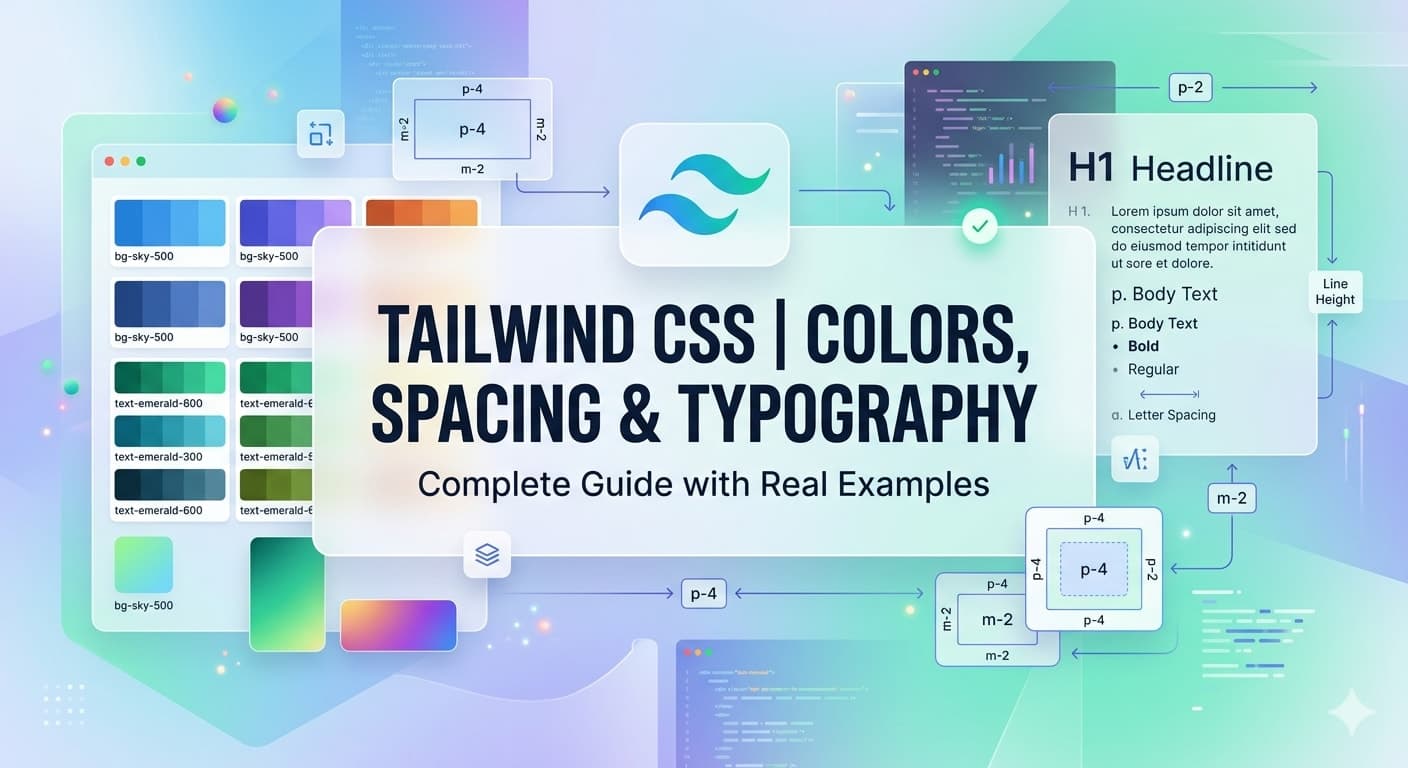
In real-world UI development, 90% of design comes down to:
🎨 Colors (branding & visual appeal)
📏 Spacing (layout & readability)
🔤 Typography (user experience & hierarchy)
Tailwind CSS makes all of these incredibly fast and consistent using utility classes.
🎨 1. Colors in Tailwind CSS
Tailwind comes with a beautiful default color palette that you can use instantly.
✅ Basic Syntax
<p class="text-blue-500">Hello World</p>👉 Structure:
text-{color}-{shade}🎯 Common Color Use Cases
Text Color
<h1 class="text-gray-800">Heading</h1>
<p class="text-gray-500">Description text</p>
Background Color
<div class="bg-blue-500 text-white p-4">
  Button Style Box
</div>
Border Color
<div class="border border-red-500 p-4">
  Error Box
</div>
🌈 Color Shades (Important Concept)
Each color has shades from 50 → 900
50→ Lightest500→ Base900→ Darkest
<div class="bg-blue-100">Light</div>
<div class="bg-blue-500">Normal</div>
<div class="bg-blue-900 text-white">Dark</div>
💡 Real World Example (Button)
<button class="bg-green-500 hover:bg-green-600 text-white px-4 py-2 rounded">
  Buy Now
</button>
👉 You just built a production-ready button.
📏 2. Spacing in Tailwind CSS
Spacing includes:
Margin (
m)Padding (
p)
✅ Basic Syntax
p-4   → padding
m-4   → margin
📦 Padding Examples
<div class="p-4 bg-gray-100">All sides</div>
<div class="px-6 py-2 bg-gray-200">X & Y axis</div>
<div class="pt-4 pb-2">Top & Bottom</div>
📐 Margin Examples
<div class="mt-4">Margin top</div>
<div class="mx-auto">Center horizontally</div>
📊 Spacing Scale (Important)
Tailwind uses a consistent scale:
Class        Value

p-1          0.25rem
p-2          0.5rem
p-4          1rem
p-8          2rem
👉 This ensures design consistency across your app
💡 Real World Layout Example
<div class="max-w-md mx-auto p-6 bg-white shadow rounded">
  <h2 class="text-xl font-semibold mb-4">Login</h2>
  <input class="w-full mb-3 p-2 border rounded" placeholder="Email" />
  <input class="w-full mb-4 p-2 border rounded" placeholder="Password" />
  <button class="w-full bg-blue-500 text-white py-2 rounded">
    Login
  </button>
</div>
👉 Notice how spacing creates clean UI.
🔤 3. Typography in Tailwind CSS
Typography controls:
Font size
Font weight
Line height
Letter spacing
✅ Font Size
<p class="text-sm">Small</p>
<p class="text-lg">Large</p>
<p class="text-2xl">Heading</p>
✅ Font Weight
<p class="font-light">Light</p>
<p class="font-medium">Medium</p>
<p class="font-bold">Bold</p>
✅ Text Alignment
<p class="text-left">Left</p>
<p class="text-center">Center</p>
<p class="text-right">Right</p>
✅ Line Height
<p class="leading-tight">Tight</p>
<p class="leading-relaxed">Readable</p>
✅ Letter Spacing
<p class="tracking-wide">Wide spacing</p>
<p class="tracking-tight">Tight spacing</p>
💡 Real World Typography Example
<div class="max-w-xl mx-auto p-6">
  <h1 class="text-3xl font-bold mb-4">
    Build Faster with Tailwind CSS
  </h1>
  <p class="text-gray-600 leading-relaxed">
    Tailwind CSS helps developers create modern UI quickly by using utility classes directly in HTML.
  </p>
</div>
🧩 Combine Everything (Real UI Example)
<div class="max-w-sm mx-auto bg-white p-6 rounded-lg shadow">
  <h2 class="text-xl font-bold text-gray-800 mb-2">
    Product Title
  </h2>
  <p class="text-gray-500 mb-4">
    This is a short product description.
  </p>
  <button class="bg-blue-500 hover:bg-blue-600 text-white px-4 py-2 rounded">
    Add to Cart
  </button>
</div>
👉 This is how real-world UI is built using:
Colors ✅
Spacing ✅
Typography ✅
⚙️ Pro Tip (For Developers Like You)
Since you have front-end experience:
👉 Think of Tailwind as:
Design system + CSS combined
No need for separate CSS files
Faster iteration in React, Next.js, Shopify, etc.
🚀 What You Learned
✔ How to use Tailwind color system
✔ How spacing creates clean layouts
✔ How typography improves UX
✔ How to combine everything into real UI
🧭 What’s Next?
Next Part 7: https://www.moodsharenow.com/blog/flexbox-tailwind-css-guide-real-examples